Scroll time directly.
See every time zone update instantly.

All your time zones, side by side. Slide to any time and watch them all move together — no math, no guessing.
Scheduling across countries should feel obvious. Pick a time once, check every zone instantly, and book with confidence.
Features & Capabilities
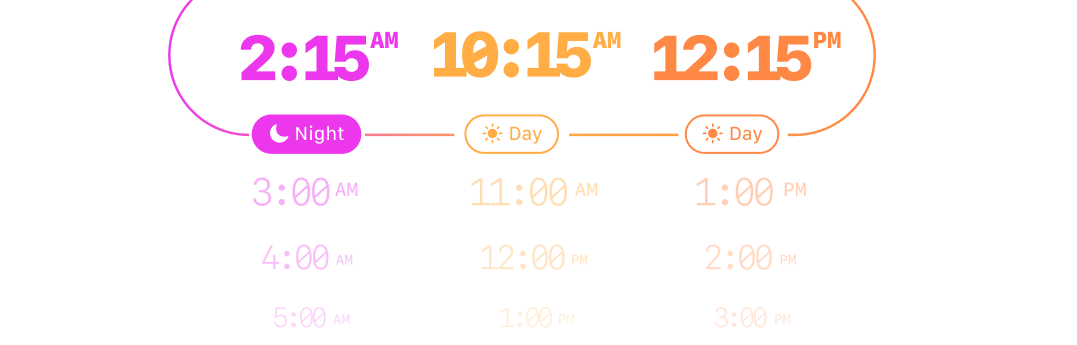
Visual Time Drum Interface
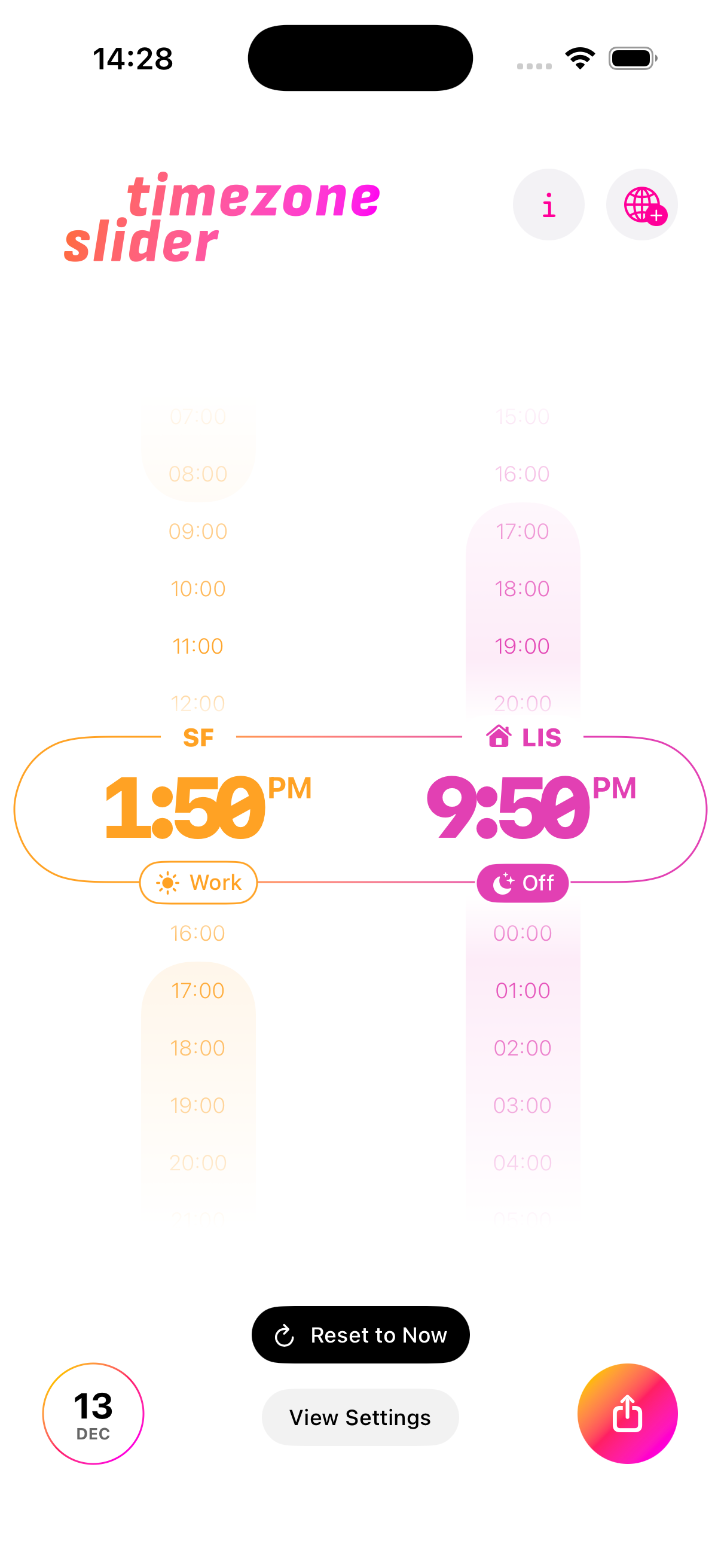
Vertical scrollable time drum showing 24-hour timeline. All selected time zones displayed horizontally. Slide through time and watch all zones update simultaneously in real-time.
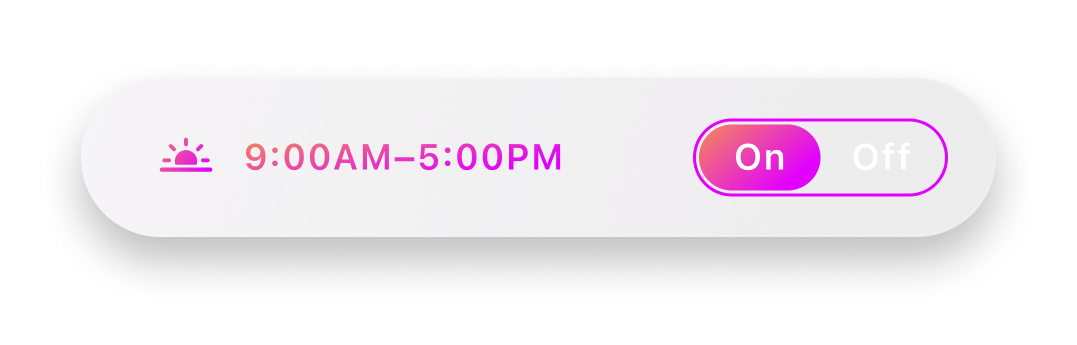
Working Hours Management
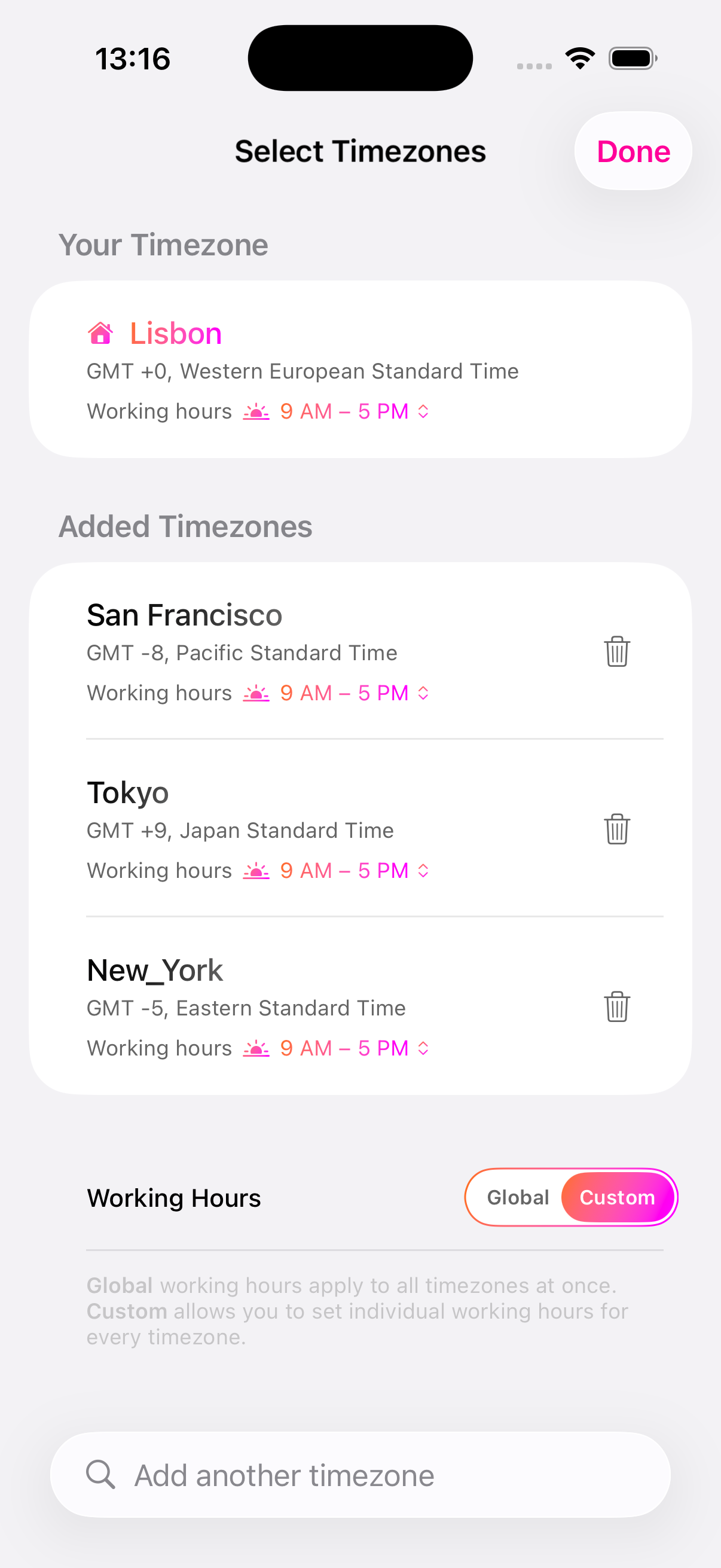
Customizable working hours for each timezone individually. Color-coded visual indicators showing when someone is working, sleeping, or off the clock.

Timezone Management
Add multiple time zones with searchable selection. Automatic detection of your current timezone. Color-coded timezone cards with automatic daylight saving time handling.

Calendar Integration
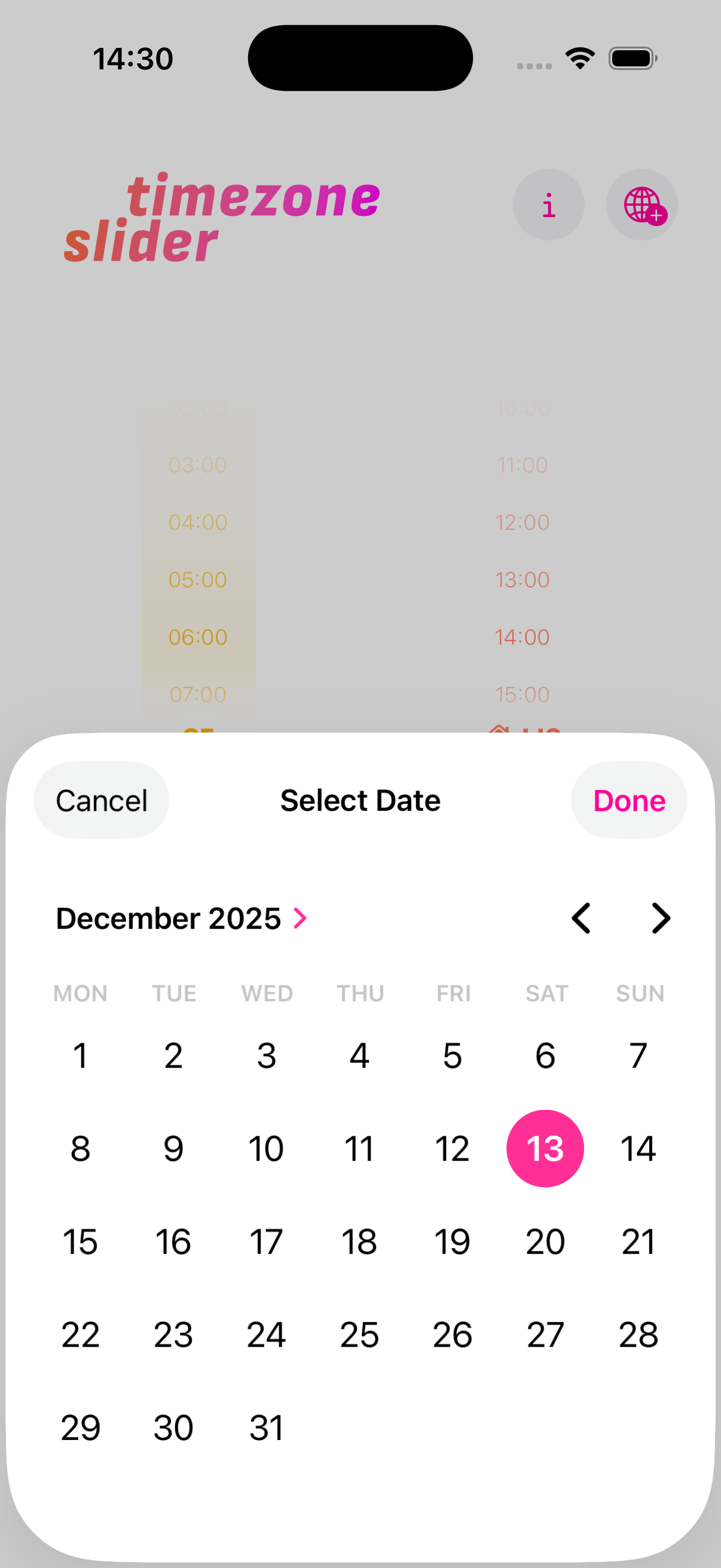
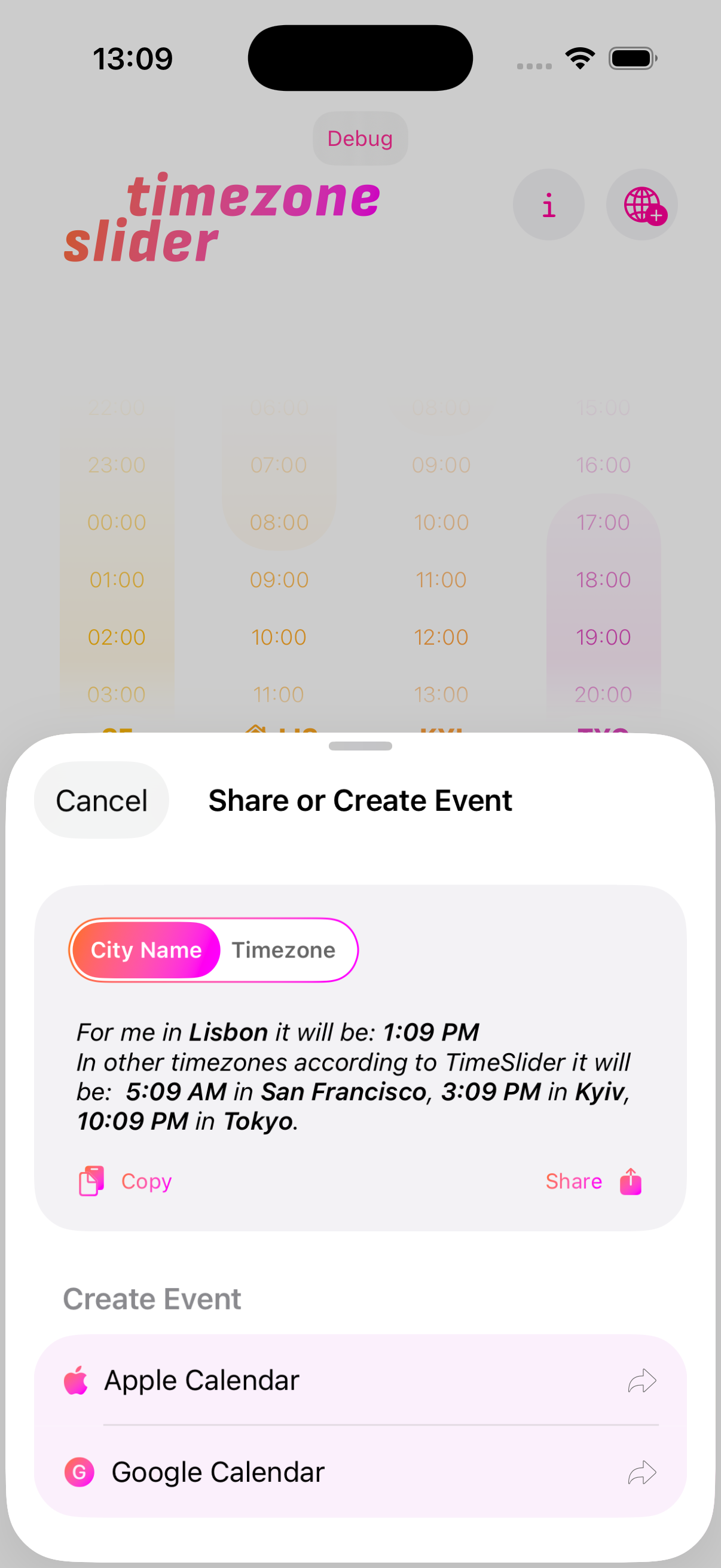
One-tap Apple Calendar and Google Calendar event creation. Pre-filled event times based on selected moment with automatic timezone handling.
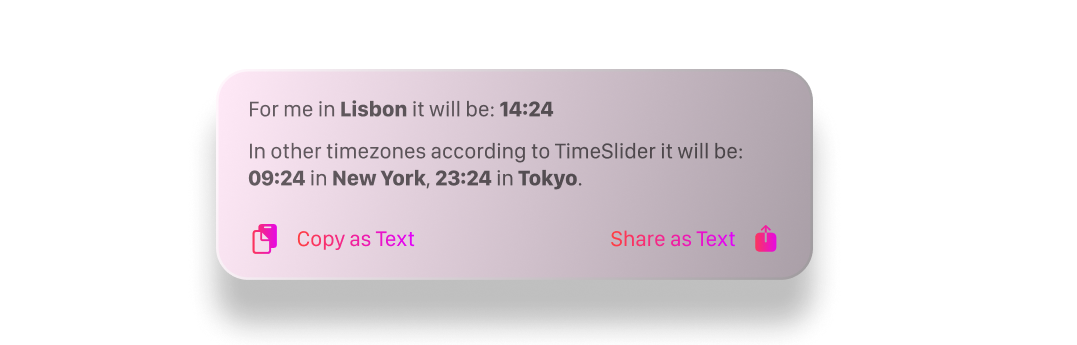
Share & Copy Functions
Copy all timezones to clipboard as formatted text. Share times via system share sheet. Works with Messages, Email, Slack, and more.
Home Screen Widgets
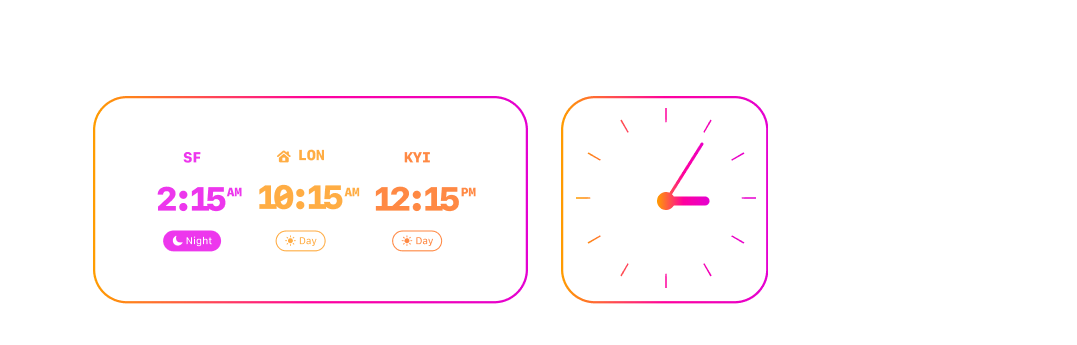
Interactive medium-sized widget showing all selected timezones at a glance. Step-based time adjustment with 30-minute increment controls. No need to open the app for quick checks.
Frequently Asked Questions
Timezone Slider is a free iOS app that lets you visually compare multiple time zones at once. Slide through a 24-hour timeline and watch every selected zone update in real time — no mental math required.
Add the time zones you need, then drag the visual time drum up or down. All zones move together so you can instantly see what time it is everywhere. Color-coded working-hours indicators show when colleagues are available.
Yes. Timezone Slider is completely free to download and use on iOS 17 and later. No ads, no subscriptions, no in-app purchases.
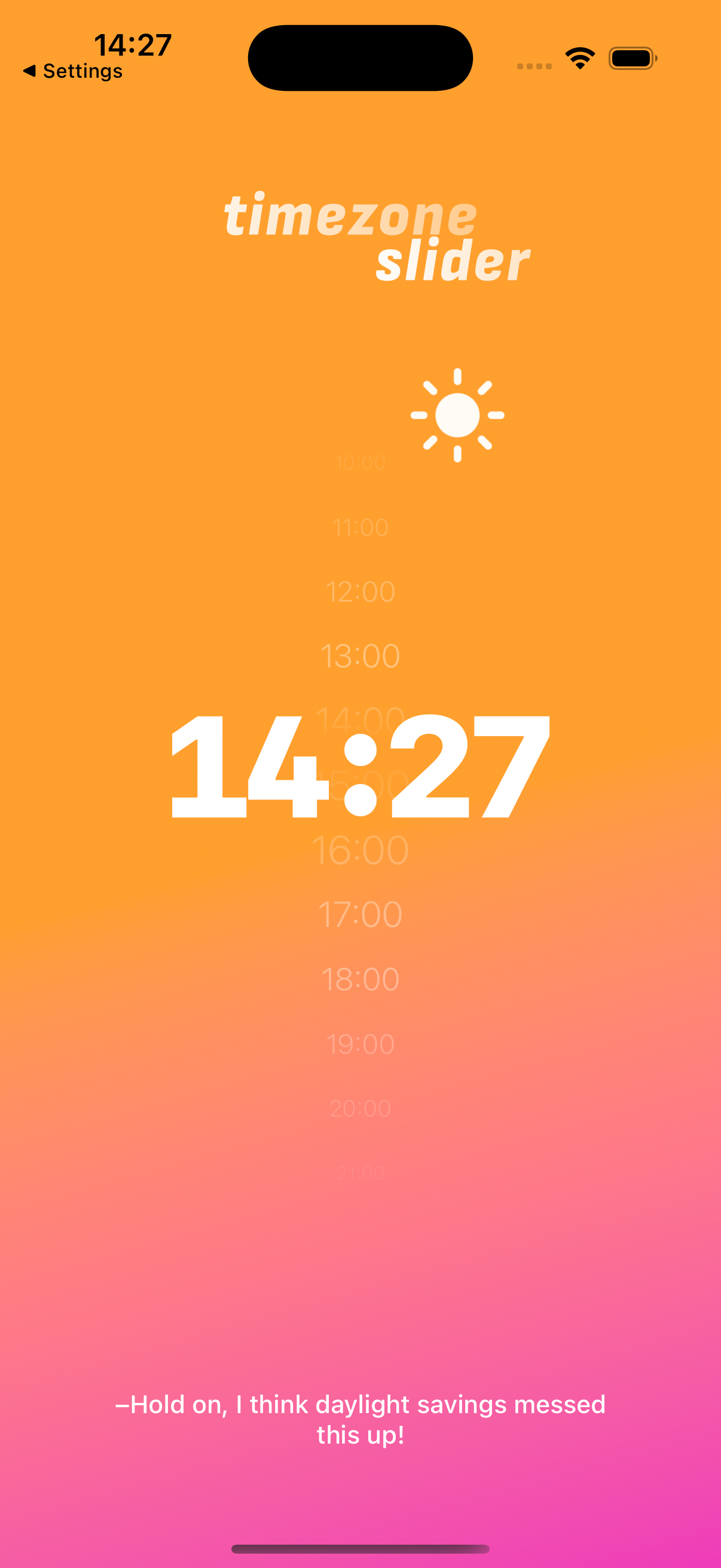
Yes. Timezone Slider automatically detects and adjusts for daylight saving time changes in every selected zone, so you never have to worry about off-by-one-hour mistakes.
Absolutely. You can copy all selected timezones as formatted text, share via Messages, Email, or Slack, and create calendar events in Apple Calendar or Google Calendar directly from the app.
Built by one person, because the alternatives were too complicated.
Built by one person who kept Googling "what time is it in Tokyo." If something feels off, reach out — I read every message.